File Express Cabinet - Lite
FileCodeBox-Lite
Anonymously share text and files, retrieve files like receiving packages
Communication Q group: 739673698, welcome everyone to brainstorm, project conceptual reconstruction

---
[Simplified Chinese](./readme.md) | [English](./readme_en.md)
## Main Features
- [x] Lightweight and concise: Fastapi+Sqlite3+Vue3+ElementUI
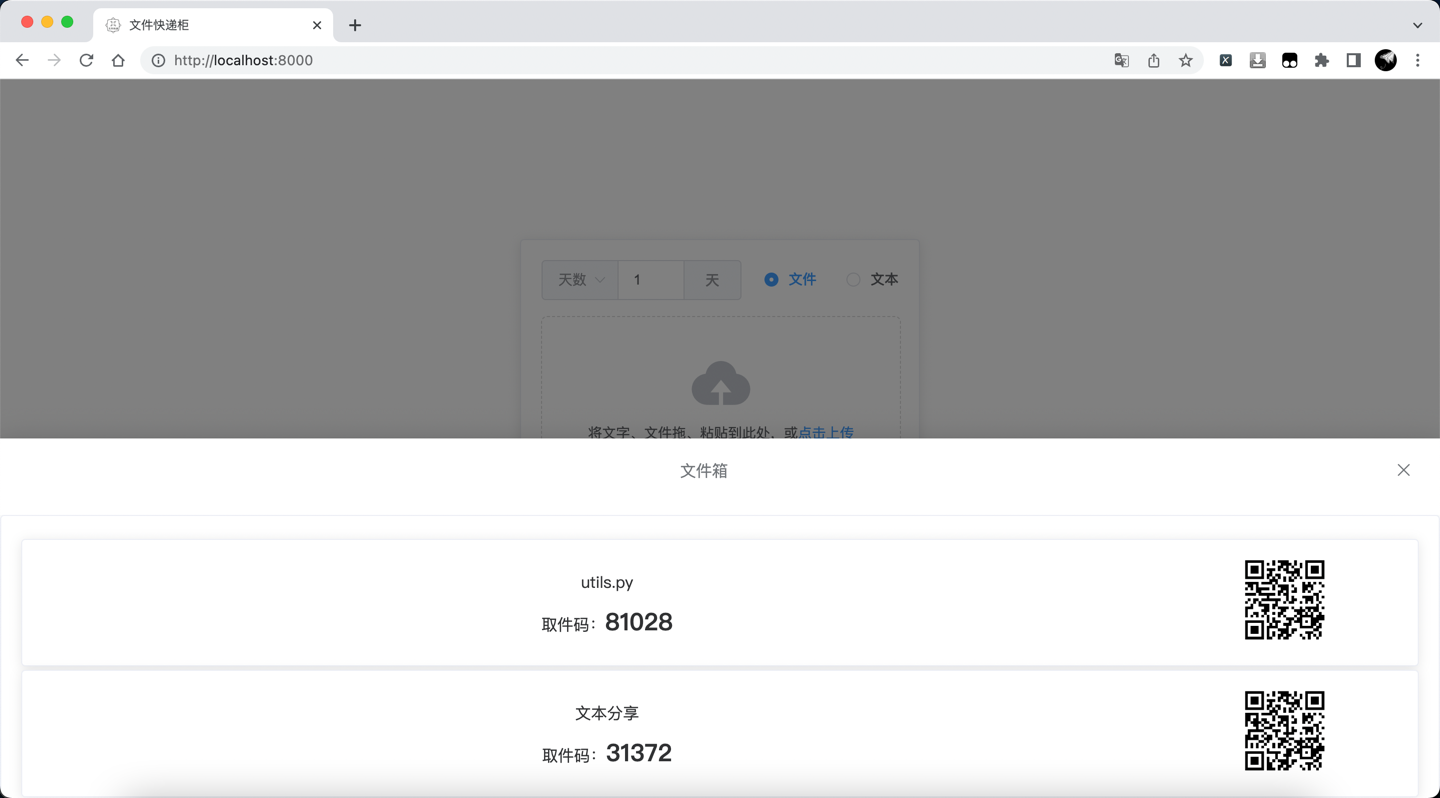
- [x] Easy upload: Copy and paste, drag and drop selection
- [x] Multiple types: Text, file
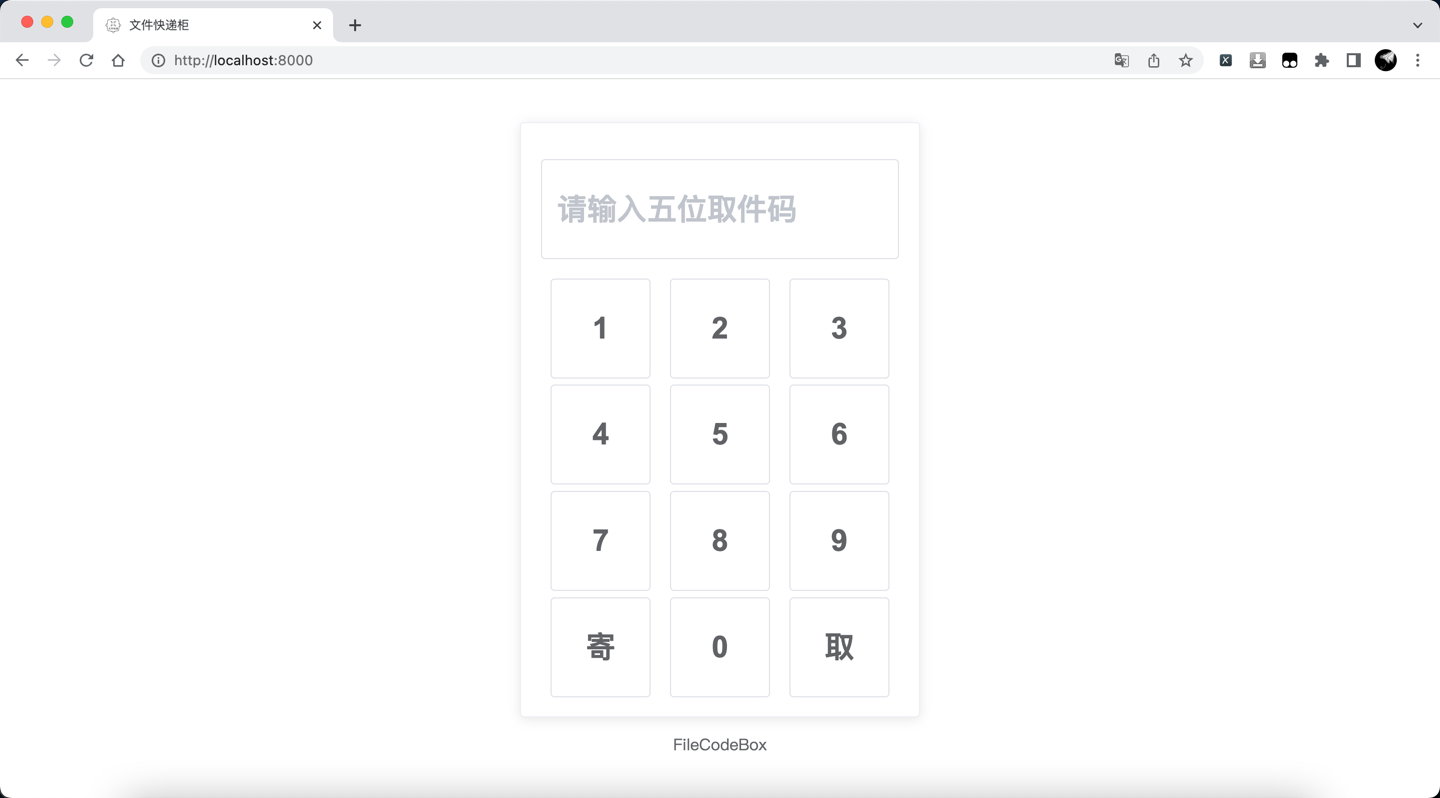
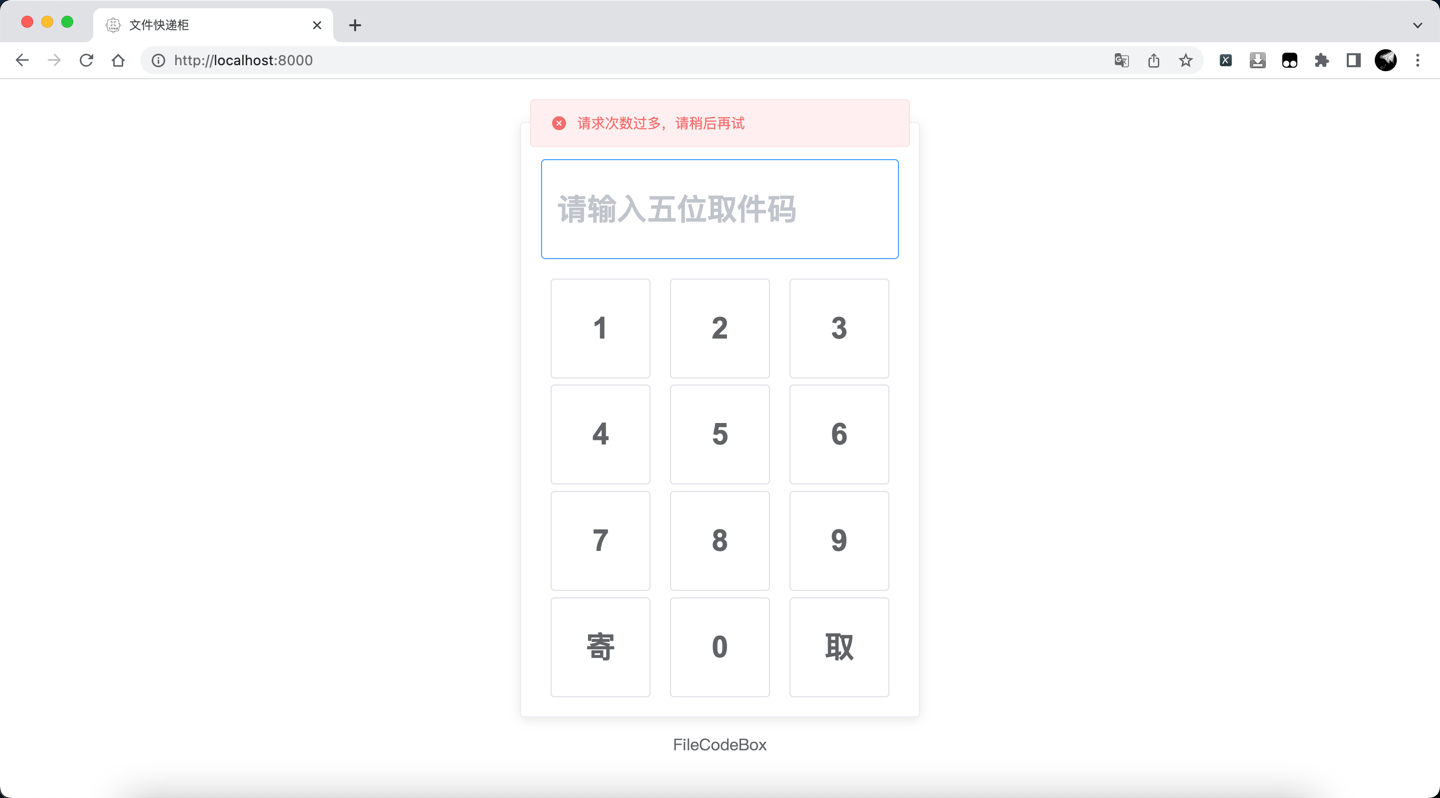
- [x] Prevent brute force: Limit the number of errors
- [x] Prevent abuse: Limit the number of uploads by IP
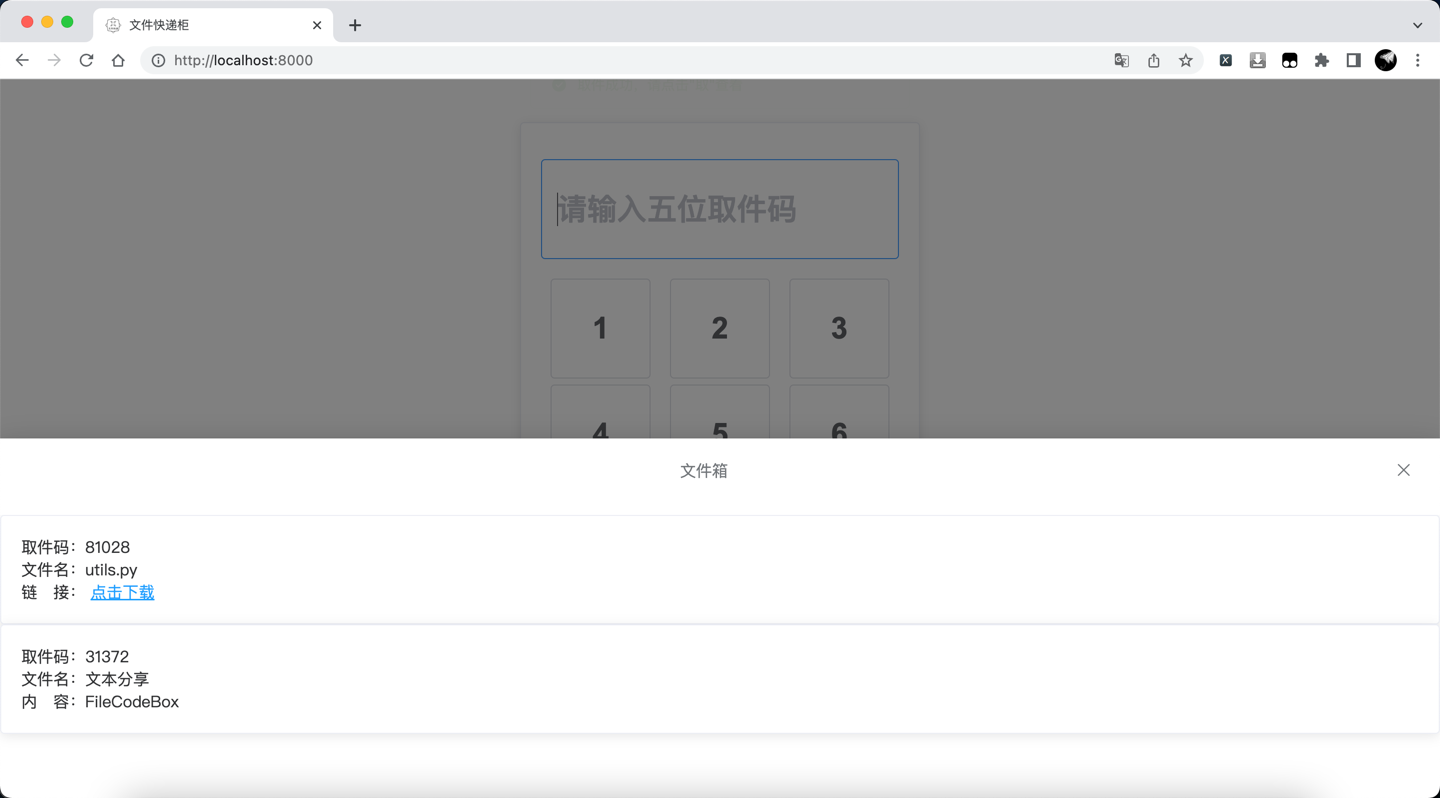
- [x] Password sharing: Random password, store and retrieve files, customize the number of times and validity period
- [x] Anonymous sharing: No registration, no login, no IP records
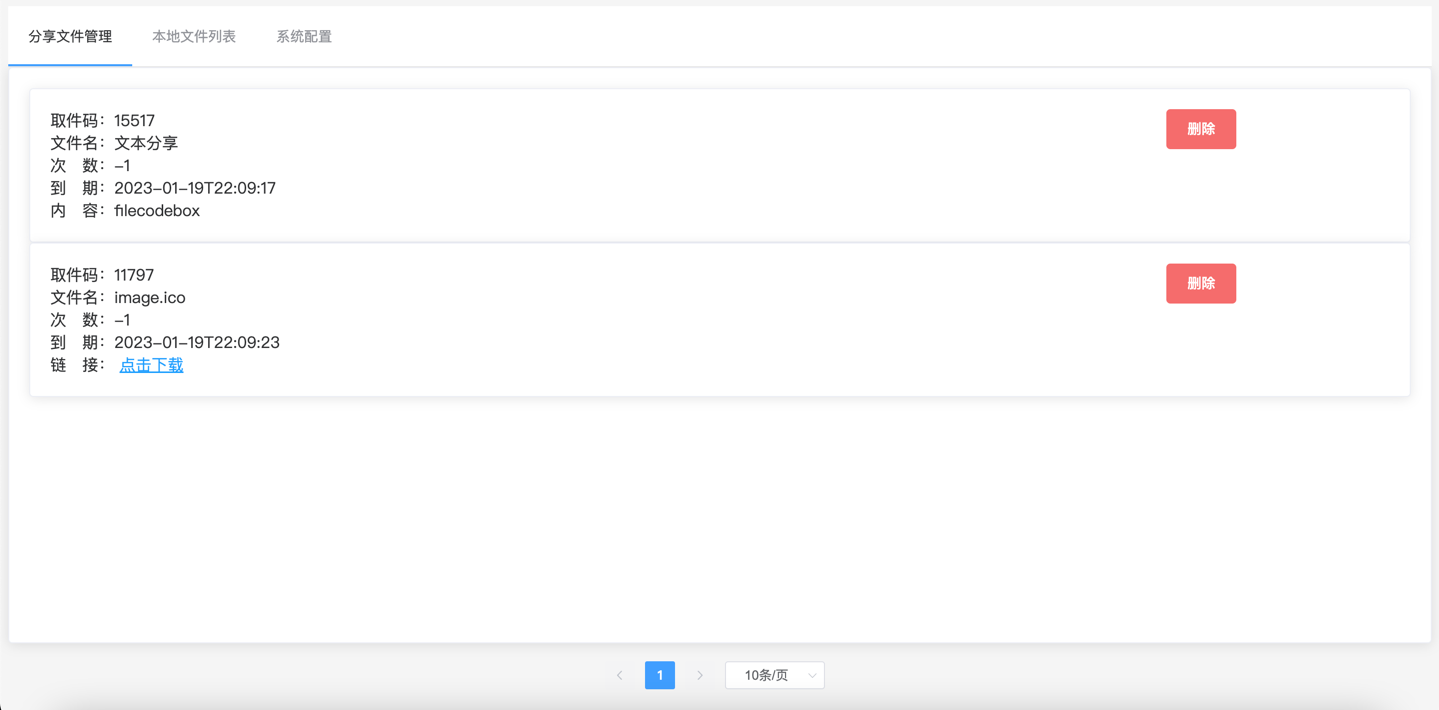
- [x] Management panel: View all files, delete files
- [x] One-click deployment: Docker one-click deployment
- [x] Free extension: S3 protocol, local file stream, can add storage engines in the storage file according to needs
- [x] Simple and clear: Suitable for beginners' practice projects
## Deployment Method
### Docker one-click deployment
#### Version 2.0, under development
Default information
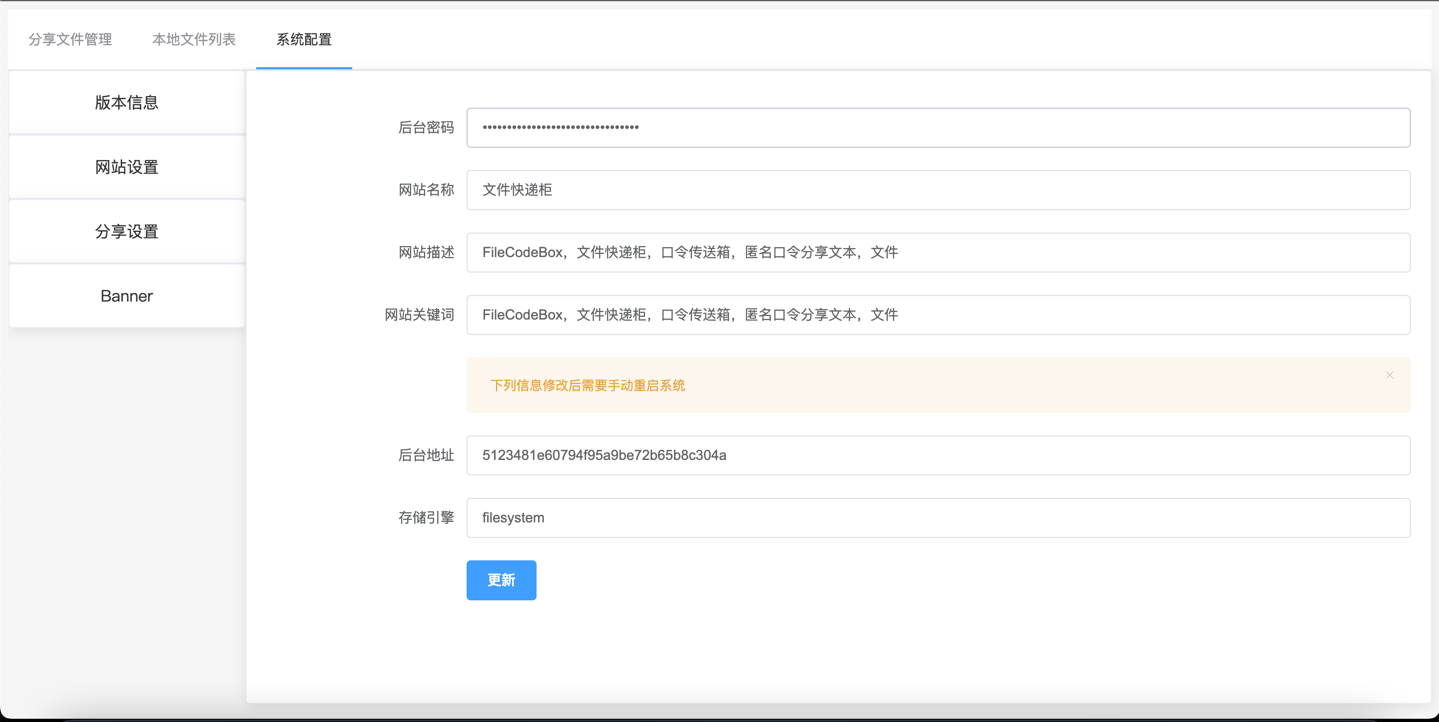
Backend address: `/#/admin`
Backend password: `FileCodeBox2023`
AMD & ARM
One-click installation
```bash
docker run -d --restart=always -p 12345:12345 -v /opt/FileCodeBox/:/app/data --name filecodebox lanol/filecodebox:beta
```
One-click update
```bash
docker pull lanol/filecodebox:beta && docker stop filecodebox && docker rm filecodebox && docker run -d --restart=always -p 12345:12345 -v /opt/FileCodeBox/:/app/data --name filecodebox lanol/filecodebox:beta
```
#### Version 1.6 AMD
```bash
docker run -d --restart=always -p 12345:12345 -v /opt/FileCodeBox/:/app/data --name filecodebox lanol/filecodebox:latest
```
#### Version 1.6 ARM
```bash
docker run -d --restart=always -p 12345:12345 -v /opt/FileCodeBox/:/app/data --name filecodebox lanol/filecodebox:arm
```
### Baota deployment
Not recommended, outdated
https://www.yuque.com/lxyo/work/lc1oe0xqk8t9b976
### Version 1.6 Note
This version has relatively large changes. If there are any problems, you can try clearing the /opt/FileCodeBox directory. If you have any problems, please feel free to leave
feedback.
Note that if this is the first installation, please check the docker log to get the initial password and backend address, and refer to the instructions
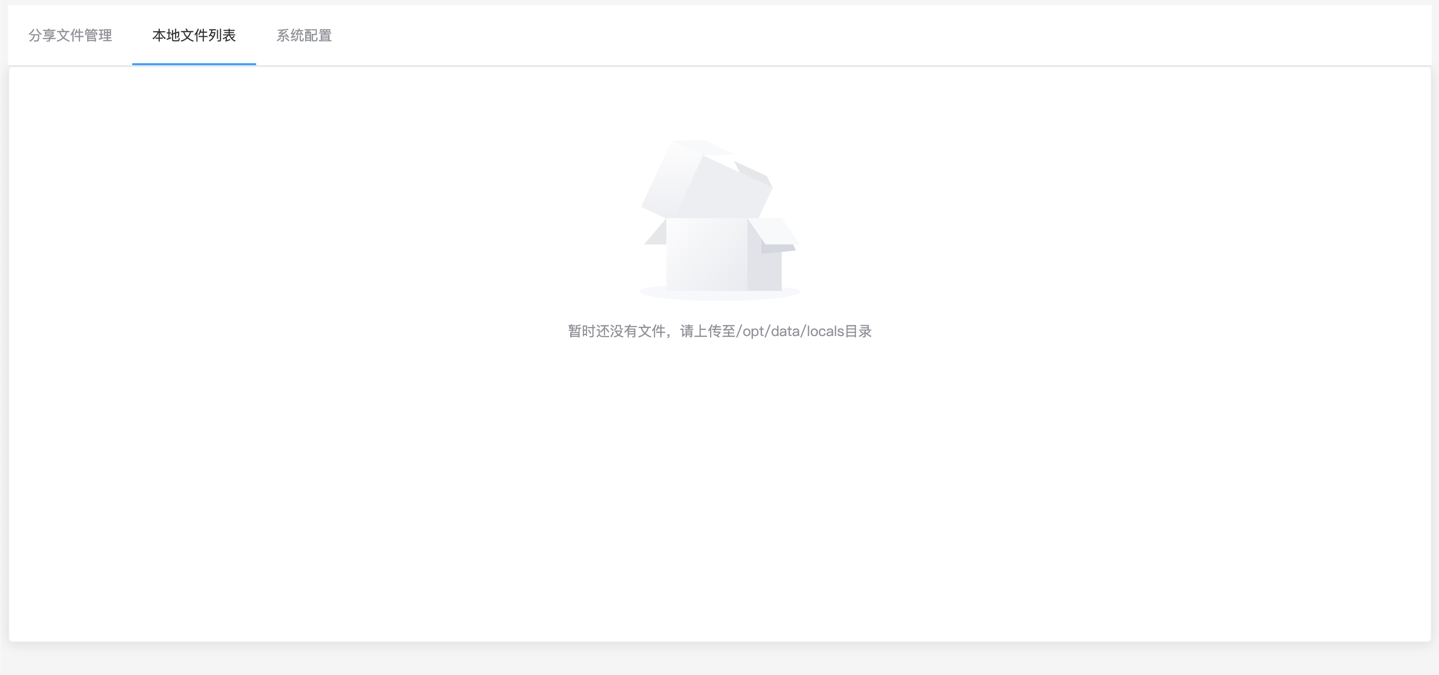
For the local file list of the background, you need to move the server files to the directory /opt/FileCodeBox/data/locals so that they can be displayed.
```bash
docker logs filecodebox
```
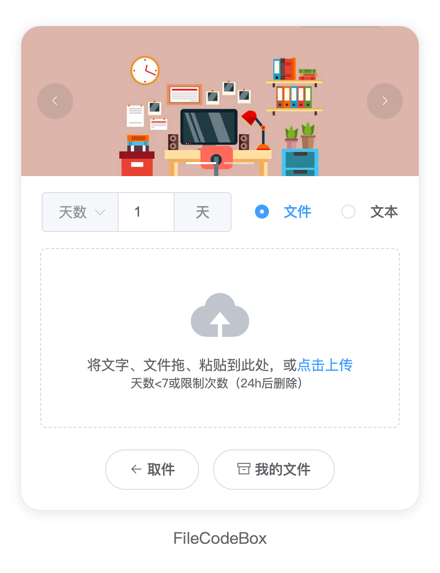
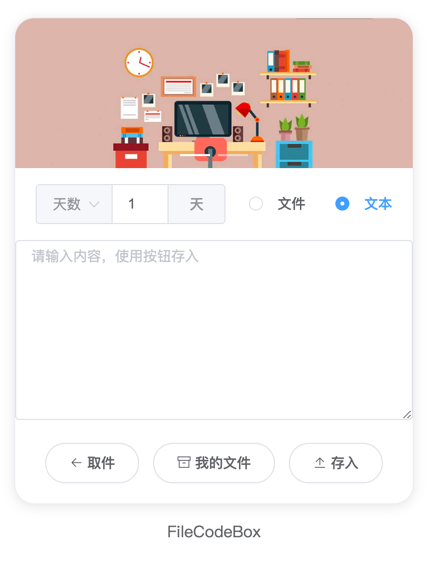
## Preview
### Example site
[https://share.lanol.cn](https://share.lanol.cn)
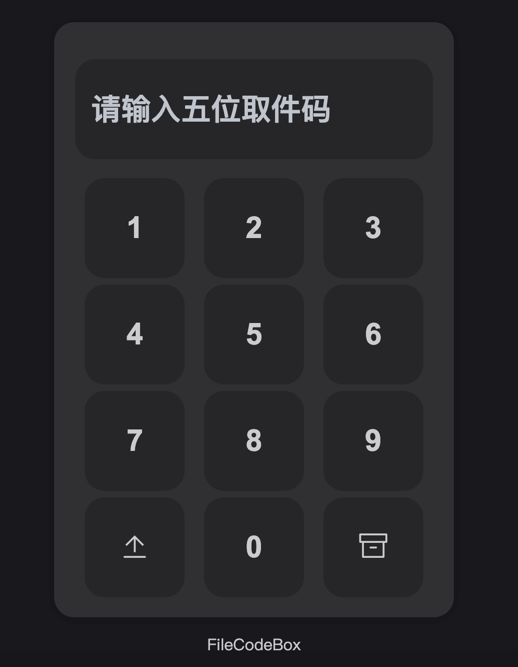
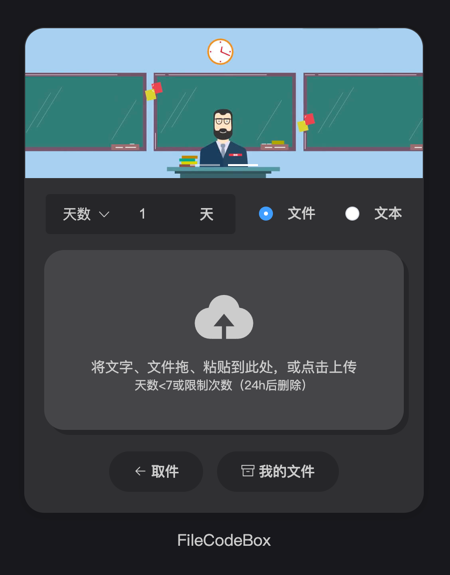
### Dark mode